You score.
Delta writes.
The clinical assistant built for neuropsychologists. Delta captures the case history, integrates your test scores, and drafts your assessments and reports: each one linked to the patient's ongoing record.
attention complaint · WAIS-IV · processing speed index low
Your documents, written in your style.
Reports, referral letters, supporting letters: Delta drafts them from your sessions. You review, adjust, and export.
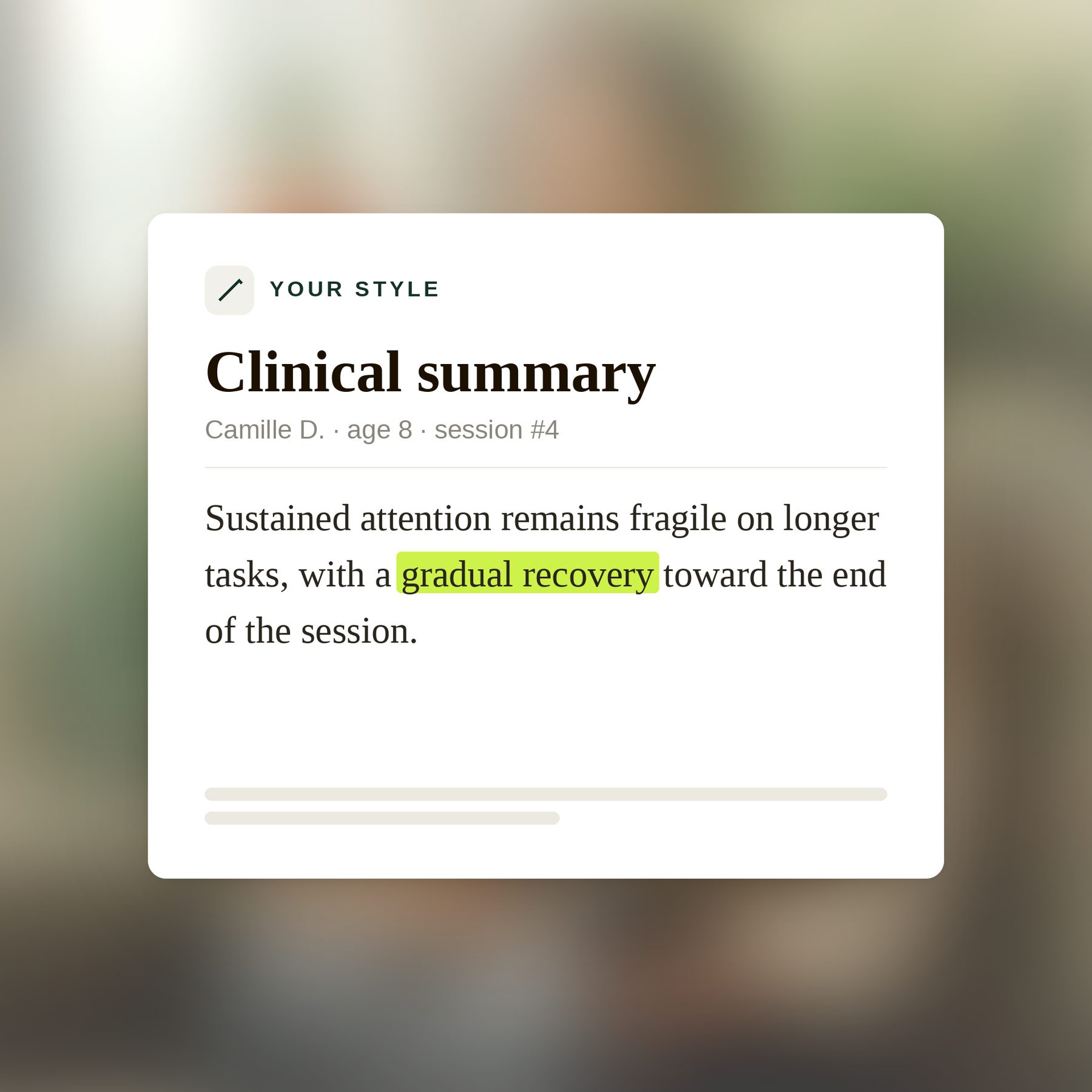
Written in your style
Delta learns your writing style. The more you use it, the more the result sounds like you.
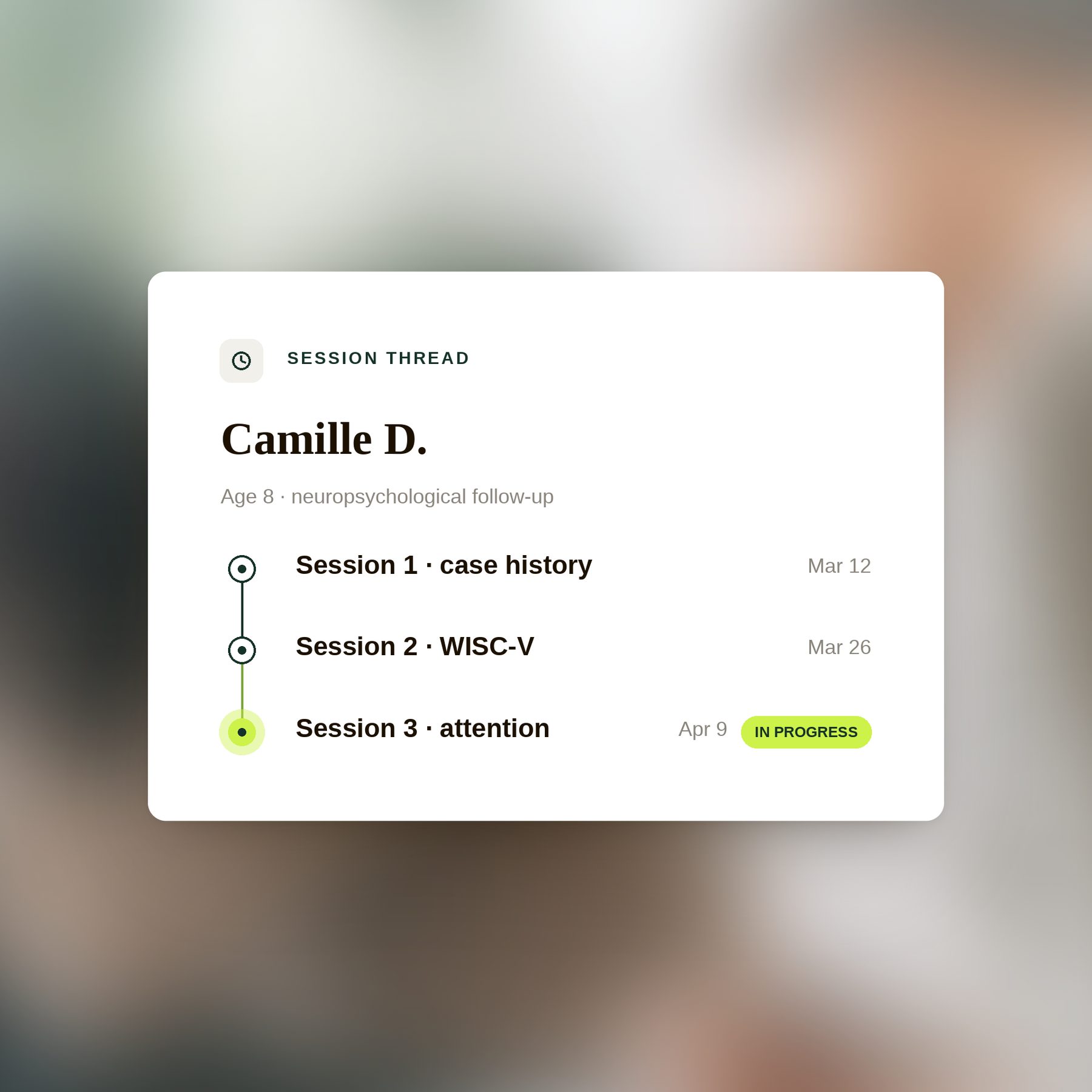
Across the full history
Every report draws on the patient's full session history, not just the latest one.
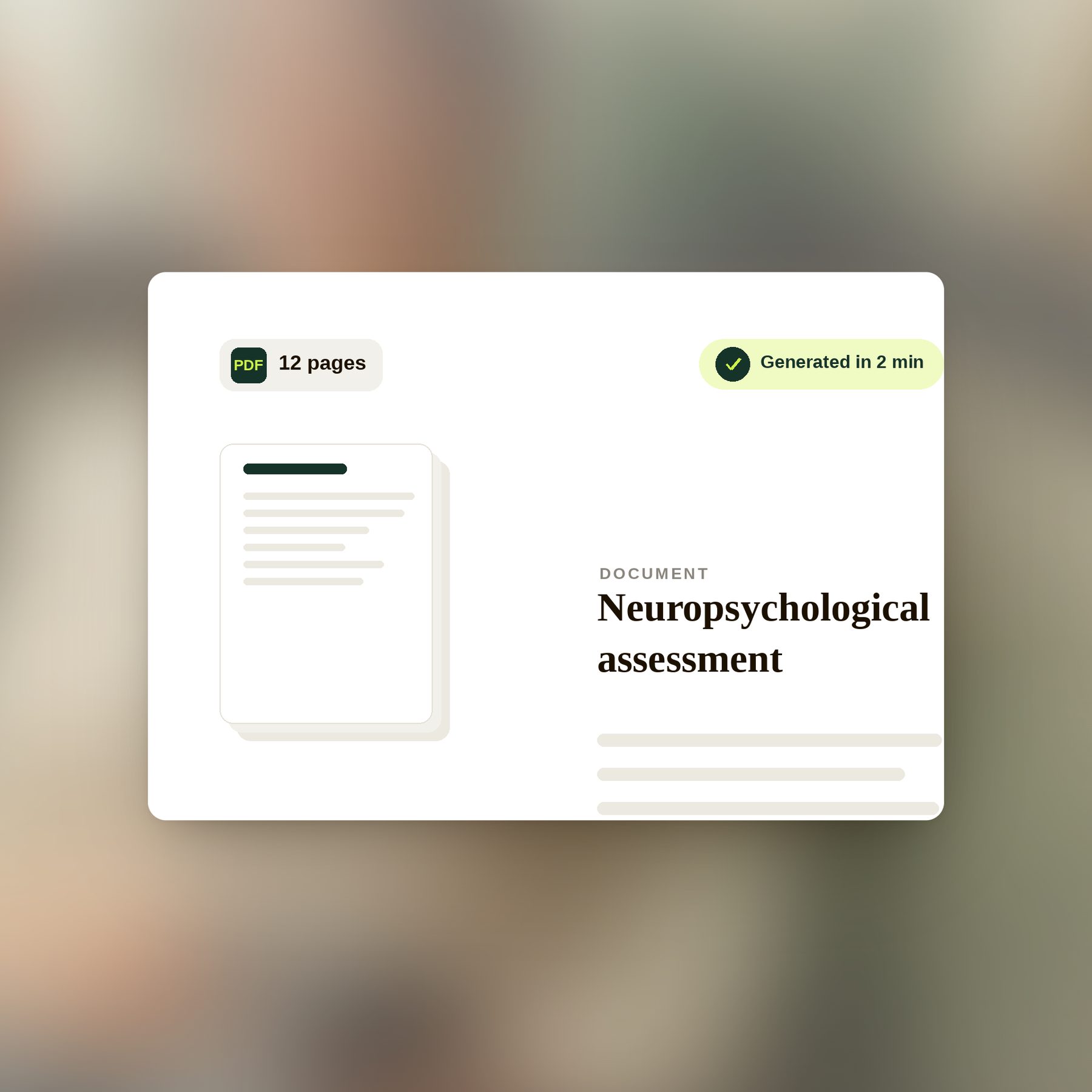
Hours saved
Several hours saved on every assessment. You review, adjust, and export.

“My assessments used to eat my weekends. Now I score during the session, Delta drafts the report, and I just review it. I get my evenings back.”
During the session, or right after.
The report is ready.
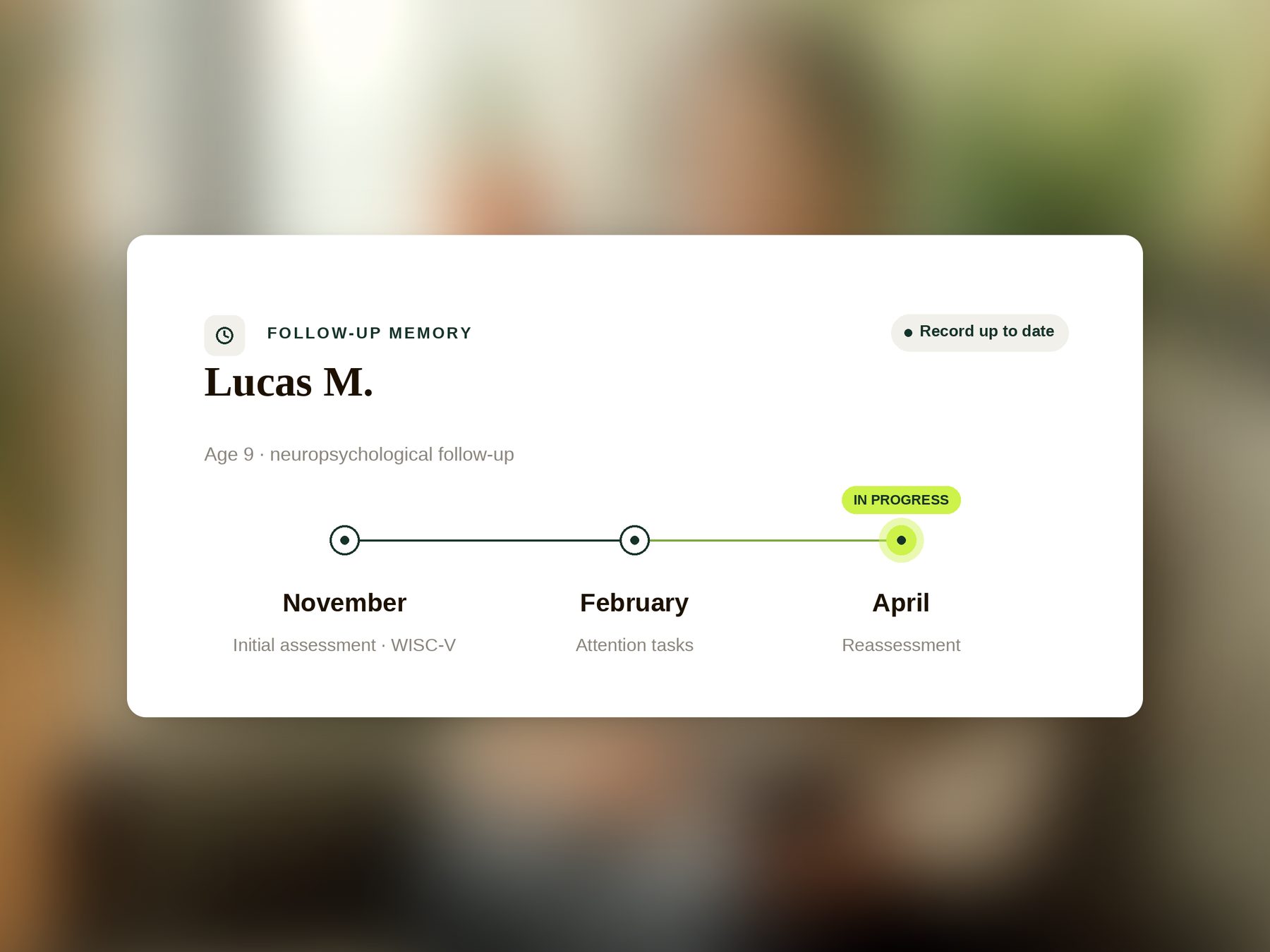
Arrive prepared for every session.
Case history, tests already administered, past results: the patient's complete file, always up to date. You ask, Delta answers in seconds.
It's not just about saving time.
It's a lighter mental load.
Your sessions never train any AI.
Zero training. Your patient data is used only for you, never to improve a model. It's our most important commitment, because that's what you owe your patients.
Questions we get from neuropsychologists.
Everything you need to know before you start.
EN
Is Delta compatible with my assessment protocols?
Yes. Delta offers templates for the main areas of assessment: intellectual functioning (WAIS, WISC), attention and executive function, memory, language, praxis and social cognition. You can also create and customise your own templates to match your practice. The AI adapts to your clinical vocabulary and carries over your scores exactly as you enter them.
Does Delta replace my current note-taking tool?
Yes. Delta replaces your note-taking tool and your patient record: the note writes itself and you read it over. You can also keep the record you use today and copy what Delta produces into it. Delta links each consultation to the previous ones and generates all your clinical documents: session notes, case histories, assessments, referral letters, end-of-care reports, supporting letters.
In practice, you no longer juggle a notes tool + a patient file + a letter generator: Delta does all three, plus longitudinal clinical memory. Most of our users switch from a spreadsheet, a Word file, or a generic transcription tool.
Does Delta replace my practice-management software (scheduling, billing)?
No, and that's by design. Delta focuses on the clinical and documentation side: session notes, reports, letters, patient memory. Your calendar, appointment booking, and billing stay on the tool you already use (Doctolib, your practice-management software…).
Delta works alongside it, not instead of it: you get every document in one click (copy-paste, PDF, structured export) to file wherever you like. No migration required, no forced double data entry.
Does Delta make diagnoses or decisions on my behalf?
No. Delta is a documentation and writing tool: it formats what you observe and decide, in your style. It makes no diagnosis, does not interpret scores, and never substitutes for your clinical judgment: you score, you interpret, you decide.
The evidence from the literature that Delta may display is purely informational: food for thought, never prescriptive recommendations. The clinical decision is always yours.
Does Delta score or calculate results for me?
No. Delta doesn't calculate any scores: scoring, test selection, and interpreting results remain entirely yours. That's your expertise: Delta isn't meant to replace it.
What Delta does is take the results you scored and your session observations, then work them into the report using your template and your style. You type or dictate your scores, and Delta formats them into the document. You save drafting time, not clinical time.
Do I need to inform my patients? And how?
Yes, informing the patient is required under GDPR. Article 9.2.h of the GDPR provides for the processing of health data by a professional bound by confidentiality, which is the case for you. On that basis, written consent is generally not required. You remain the data controller, so it is for you to judge what your own practice calls for.
In practice, Delta provides you with an information poster to display in your office or waiting room, letting patients know you use Delta so you can focus fully on them. This is the approach taken by the leading tools on the market.
If you'd like to go further, you can mention Delta verbally at the start of the first session: some practitioners prefer this direct transparency. The patient can always decline: in that case, you take your notes manually as before. Delta remains entirely optional, session by session.
Do my notes stay confidential from my patients?
Absolutely. Your session notes are strictly private, intended solely for your clinical use. Patients have no direct access to them. If a patient asks to view their file (GDPR right of access), it's up to you to decide what you share: Delta never does this automatically. Professional confidentiality is fully respected.
Can I use Delta for teleconsultations?
Yes. Delta works just as well in person as in teleconsultation. Audio can be captured through your computer's microphone, your video tool (Doctolib, Livi, Qare, etc.), or your phone. It is automatically deleted as soon as transcription is complete.
Does Delta comply with the code of ethics for psychologists (which neuropsychologists fall under)?
Yes. Delta is designed to comply with the French code of ethics for psychologists (which neuropsychologists fall under). The patient is informed about session capture (Delta provides an information poster and a sample verbal disclosure) and can decline at any time. In that case, you take your notes manually, session by session. Professional confidentiality is preserved, data is hosted in France with an HDS-certified host, and you keep full control over what is kept or deleted.
How does Delta handle clinical supervision?
Delta helps you prepare for supervision sessions: you can generate an anonymised summary of a clinical case in one click, with the structured history, progress, and your questions. You'll never start from scratch the night before a supervision session again.
Can I import my old patient files?
Yes. Delta lets you import your old files (Word notes, PDFs, or manual entries) so your clinical memory starts with your existing history. We help you with this step for free when you move to the Pro plan.
What happens if I stop using Delta? Can I get my files back?
Your files belong to you. At any time, you can export all of your notes, reports, and case histories as PDF or structured format (JSON). After cancellation, you have 90 days to retrieve your data before it's permanently deleted.
No technical lock-in: your documents remain readable outside Delta, and your clinical memory can be re-imported elsewhere if needed.
Does Delta work for every population (children, adults, older people)?
Yes. Delta offers dedicated templates for assessments of children and adolescents (with developmental milestones), of adults, and of older people (cognitive complaints, pre- and post-injury assessments). When a relative or carer takes part in the session, Delta tells the speakers apart.